Technical and narrative strategies to ace Zoom, Teams, or Google Meet interviews, including a pre-flight checklist.
Virtual interviews are not going away. Over 60% of first-round interviews on CareerConnect are now conducted via video. Yet many candidates treat them like phone calls with a camera on. That’s a mistake. A virtual interview is a production, and you are the star. Small technical or environmental errors can override great answers.
Here is your complete guide to mastering the virtual interview, from setup to storytelling.
Part 1: The Technical Setup (Do this the night before)
- Camera: Place it at eye level. Stack books under your laptop. Looking down at the camera creates a bad angle; looking slightly up is more authoritative.
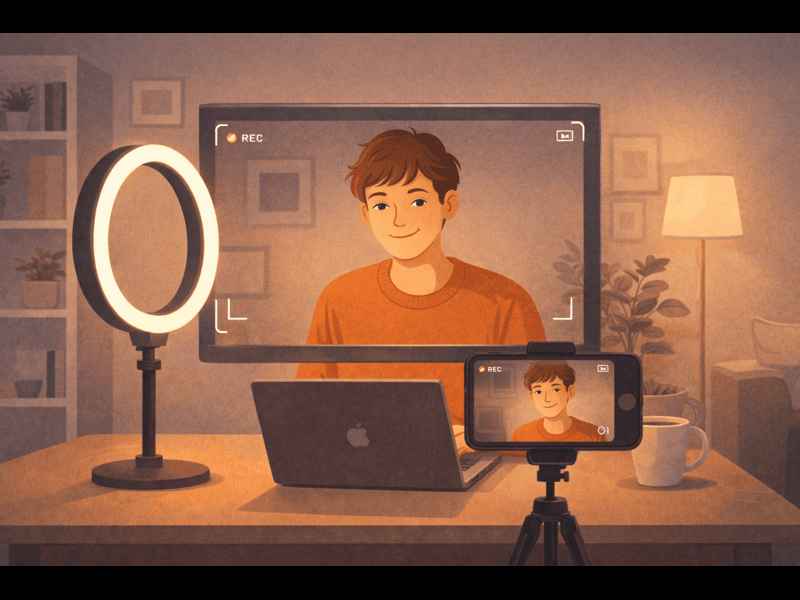
- Lighting: Sit facing a window or use a ring light behind the camera. Never sit with a window behind you—you become a dark silhouette.
- Background: Use a plain wall or a professional virtual background (CareerConnect offers approved backgrounds). No laundry, posters, or pets moving behind you.
- Audio: Use an external microphone or wired earbuds. Laptop mics pick up keyboard and fan noise. Test audio by recording a 10-second clip.
- Internet: Hardwire Ethernet if possible. Close all other apps and browser tabs. Have a backup phone hotspot ready.
Part 2: The Environmental Setup
- Place a sticky note on your screen at eye level with key reminders: “Slow down,” “Smile,” “STAR method.”
- Put a glass of water nearby.
- Lock your door. Put a sign: “Recording in progress – do not disturb.”
- Dress fully (not just top half). It psychologically prepares you.
Part 3: The First 30 Seconds
Virtual interviews form first impressions faster than in-person. When you join:
- Smile and nod as the interviewer joins.
- Say: “Hi [Name], thank you for having me. Can you hear me clearly?” This shows consideration.
- Wait 2 seconds after they finish speaking before you start. Lag is normal. Interrupting because of lag looks bad.
Part 4: Storytelling on Camera
Virtual interviews strip away body language, so your words must be clearer. Use the CAR method (Context, Action, Result) for every behavioral answer.
- Context: “When I was leading the customer support team of 5…”
- Action: “I introduced a new ticket triage system…”
- Result: “…which cut response time by 40% and raised satisfaction scores to 94%.”
Keep answers to 60-90 seconds. Pause every 20 seconds to check if they want to ask a follow-up.
Part 5: Engagement Tricks
- Look at the camera lens, not the screen image of their face. This simulates eye contact.
- Use subtle hand gestures that stay within the camera frame.
- Nod when they speak. Say “Mm-hmm” or “That makes sense” to show active listening.
- If you need to think, say “That’s a great question. Let me take a moment.” Silence is better than “ummm.”
End strongly: “Thank you for your time. Based on our conversation, I’m even more excited about the role, especially [one specific thing they mentioned]. I look forward to the next steps.” Then, within two hours, send a thank-you email referencing something unique from the call.
CareerConnect’s Virtual Interview Simulator lets you practice with AI that analyzes your lighting, sound level, eye contact, and answer relevance. It even simulates common distractions. Use it 3 times before your real interview, and you’ll reduce nervousness by 70%.